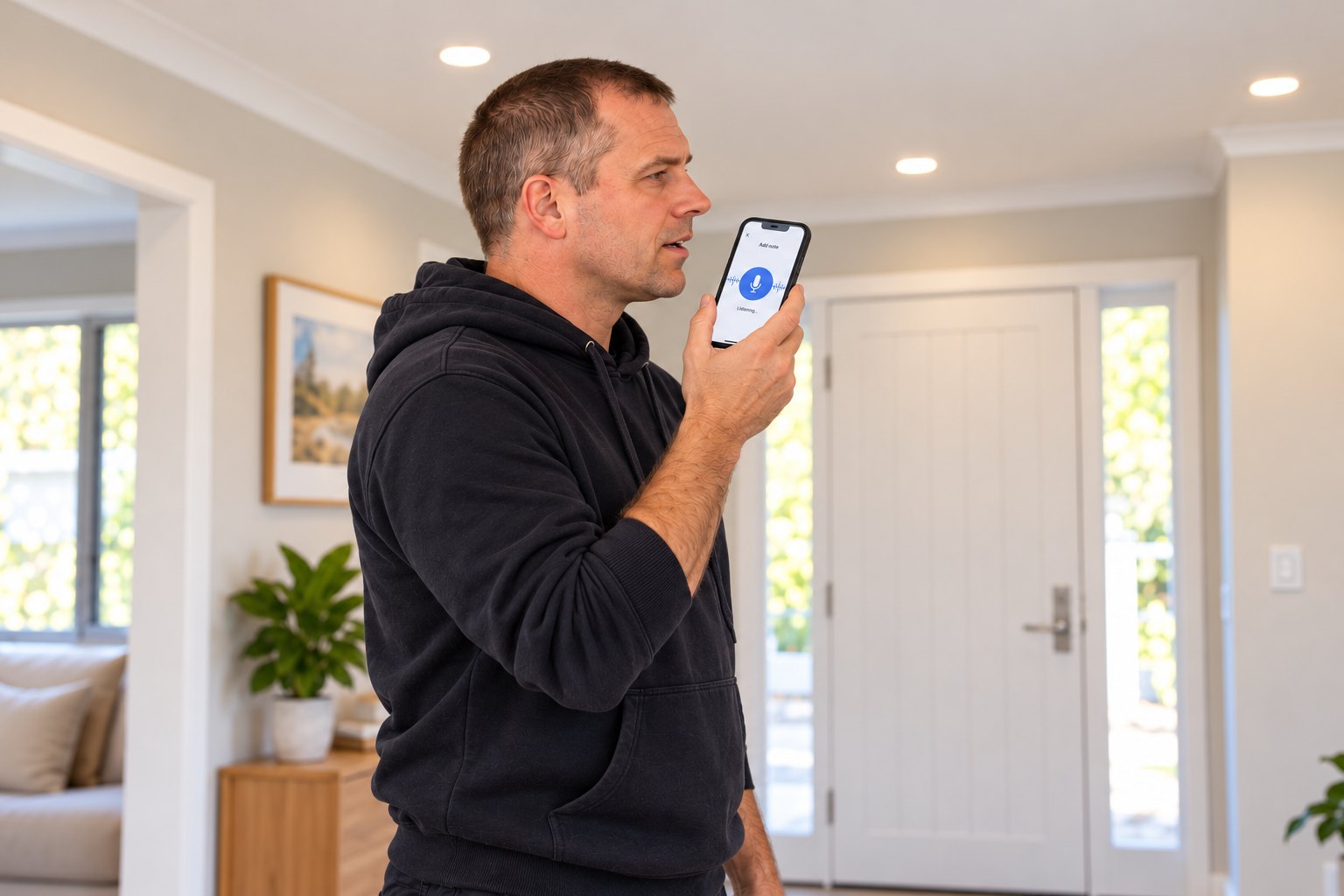
Illustrative scenario; the image is AI-generated.
We built SoleTasker around a simple thing we kept seeing: tradies are expected to keep a lot of business information moving while they’re out doing the actual work.
A customer calls with a new job. A builder emails through a work order. You finish on site and remember the invoice needs a better description, a certificate still needs doing, or someone needs to come back next week. The details arrive in different places, but eventually someone has to get them into the system.
For a small trade business, that someone is often the same person who is quoting, driving, carrying tools and trying to keep the day on track. At the end of the job, retyping the scope, address, notes and next tasks can feel like another shift.
The admin starts before you reach a desk
Most tradies don’t spend the day sitting at a computer waiting to enter information. The customer may be on the phone while you’re between jobs. The work order might arrive by email while you’re on site. A useful detail can come to mind while you’re packing up or driving to the next job.
If capturing it takes too many steps, it’s easy to put it off until later. Then you’re trying to remember what was said, find the right email, or type the same information into more than one place. That’s where small but important details can get lost or delayed.
Voice is the quickest way to capture what just happened
That’s why we chose voice-first entry. When your hands are busy and the detail is fresh, you can say the next task or one detail you need to keep with the job. You don’t need to turn every thought into a long job summary.
SoleTasker turns spoken information into structured job notes and tasks. You can check the result and choose what to save. The point is to avoid starting with a blank form and manually typing every detail before you can move on.
Voice isn’t the only way in. You can upload job documents and send information to your unique SoleTasker intake URL by email. Use the method that suits what has arrived: speak a site update, attach the work order, or send through an email that belongs with the job.

A clear task can start with one sentence
While fitting off lights, you might say: “Living room: fit six warm-white downlights and test the dimmer before leaving site.” That captures the room, the work and the check to remember, without stopping to fill in a form.
Voice is useful for details that are quicker to say than type: a task from a customer call, a site note while the job is in front of you, or a small thing you would otherwise try to remember at the end of the day.
Less retyping. More time back in your day.
We didn’t choose voice-first because every job should be handled by voice. We chose it because the work happens away from a desk, and the right information often arrives when stopping to type is the last thing you have time for.
Speak a task or short job detail. Upload a work order. Forward a customer email to your unique intake URL. Keep the information with the job so you can find it when you need it, without another round of retyping. That’s the practical aim: less admin after hours and more of your day left for the work and life outside it.
SPEAK IT. CAPTURE IT. KEEP MOVING.
Get job details in.
Get back to the work.
Try voice-first job capture and lightweight admin built for Australian sole traders and small trade teams.
Start free trial 7 days free · No card required